Basic options
note
This only applies to legacy themes. To learn more about our new, modern theme designer, head over to Using the theme editor.
Here you can define the basic properties of your theme.
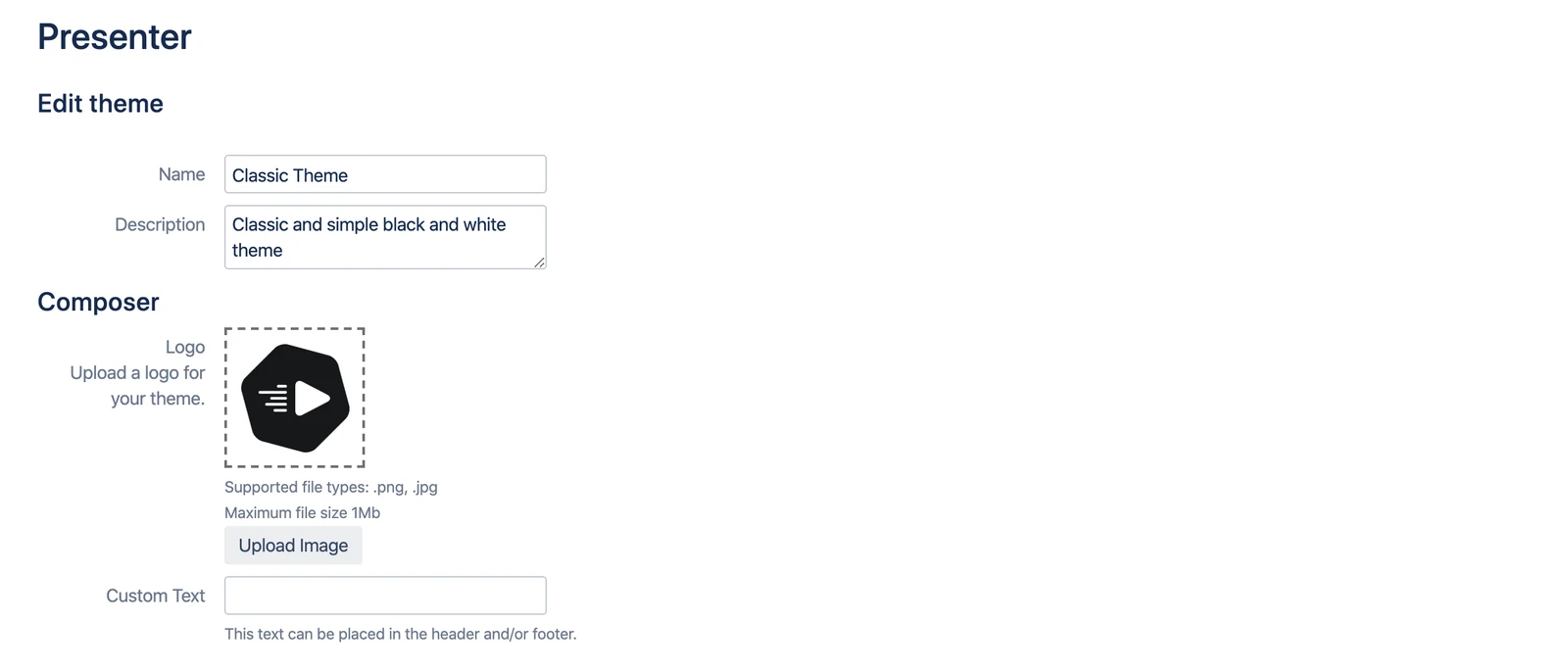
Properties
| Name | Purpose |
|---|---|
| Create theme | |
| Name | The name of your theme. It will be displayed when the user presents an article and can choose between different themes. |
| Description | A short description for your users (also displayed in the Presentation dialog). You can be specific about the purpose of the theme here, e.g. "Weekly Management Presentation for Controlling". |
| Composer | |
| Logo | Upload a logo to let your users identify themes immediately by their logo. The logo will be displayed in the Presentation dialog. Supported file types are .png and .jpg. |
| Custom Text | You can define a text that you can use in your theme, e.g. "Confidential" and display that on every slide in the footer (see the next section for how to do that). |