Basic options
Here you can define the basic properties of your theme.
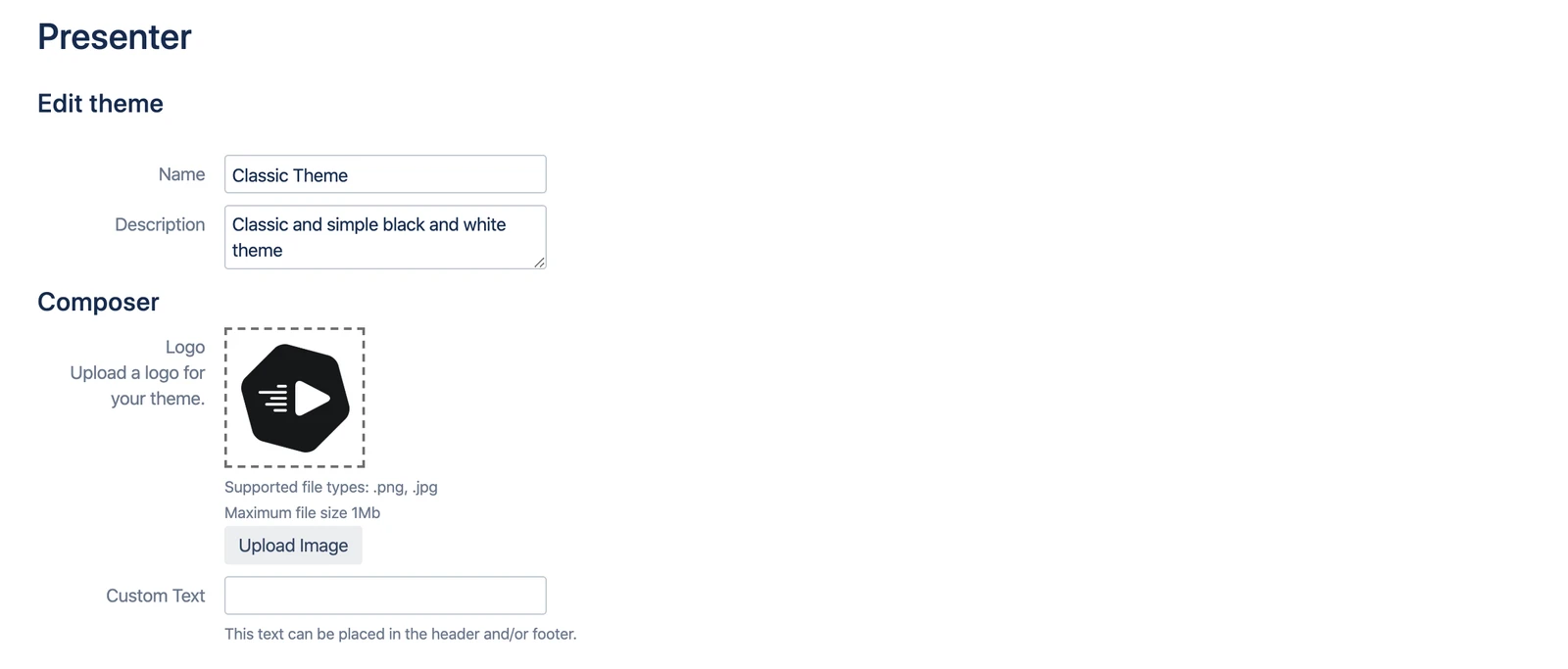
Properties
| Name | Purpose |
|---|---|
| Create theme | |
| Name | The name of your theme. It will be displayed when the user presents an article and can choose between different themes. |
| Description | A short description for your users (also displayed in the Presentation dialog). You can be specific about the purpose of the theme here, e.g. "Weekly Management Presentation for Controlling". |
| Composer | |
| Logo | Upload a logo to let your users identify themes immediately by their logo. The logo will be displayed in the Presentation dialog. Supported file types are .png and .jpg. |
| Custom Text | You can define a text that you can use in your theme, e.g. "Confidential" and display that on every slide in the footer (see the next section for how to do that). |