Options: Image Handling
These options let you define how Presenter should treat images in your content.
On slides that contain only one image: show image big as slide background
If there is nothing on a slide but one image and this option is activated, the image will be shown in fullscreen (aka as the slide background).
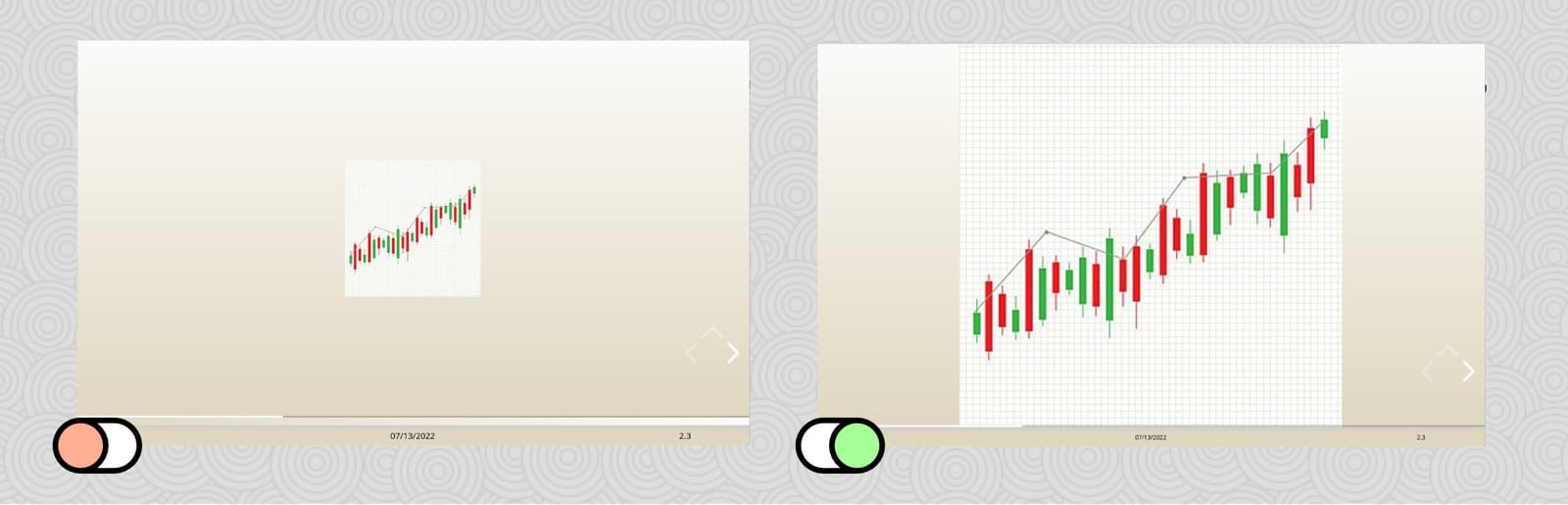
Scale images on slides so all available space is used
If you activate this option_,_ Presenter will calculate the free vertical space on every slide and scale the images on that slide so the space is used up.
To avoid oversized and pixelated images, you can choose the “Maximum factor for scaling images”: images will never be scaled more than that (relative to their natural resolution), keeping them half the way crispy.
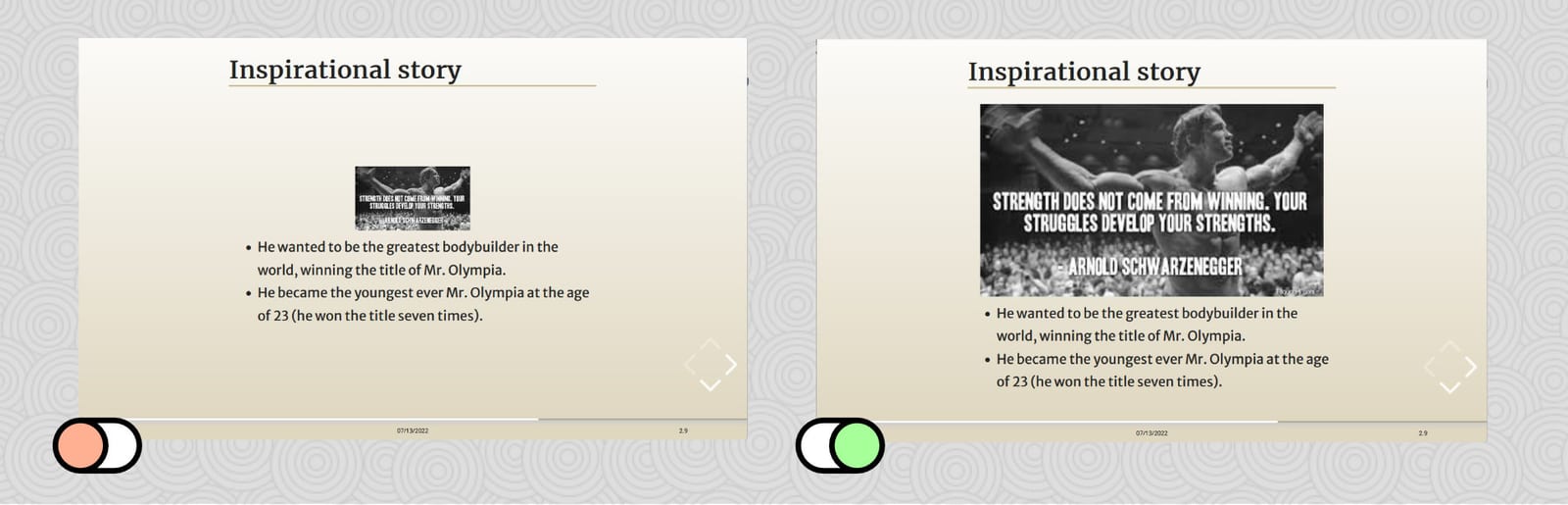
Images always start a new slide
If activated, images will always be placed on a fresh slide. From there, the layout algorithm continues. See How Presenter works for more details.