Integrations
Presenter plays nicely with most 3rd party plugins, as long as the plugins provide some content we can use in our presentation.
Tested and compatible (among most others)
- ✅ draw.io (see our tips for an even better experience)
- ✅ SmartDraw
- ✅ Gliffy
- ✅ k15t Scroll Viewport
- … AND MANY MORE
Tested and compatible with additional information
Integration with Jira
External Gadget Support on Data Center
Confluence "Include page" macro
Tips for using draw.io with Slide Presenter
eazyBI on Data Center
Rich Filters on Data Center
Excel Macro
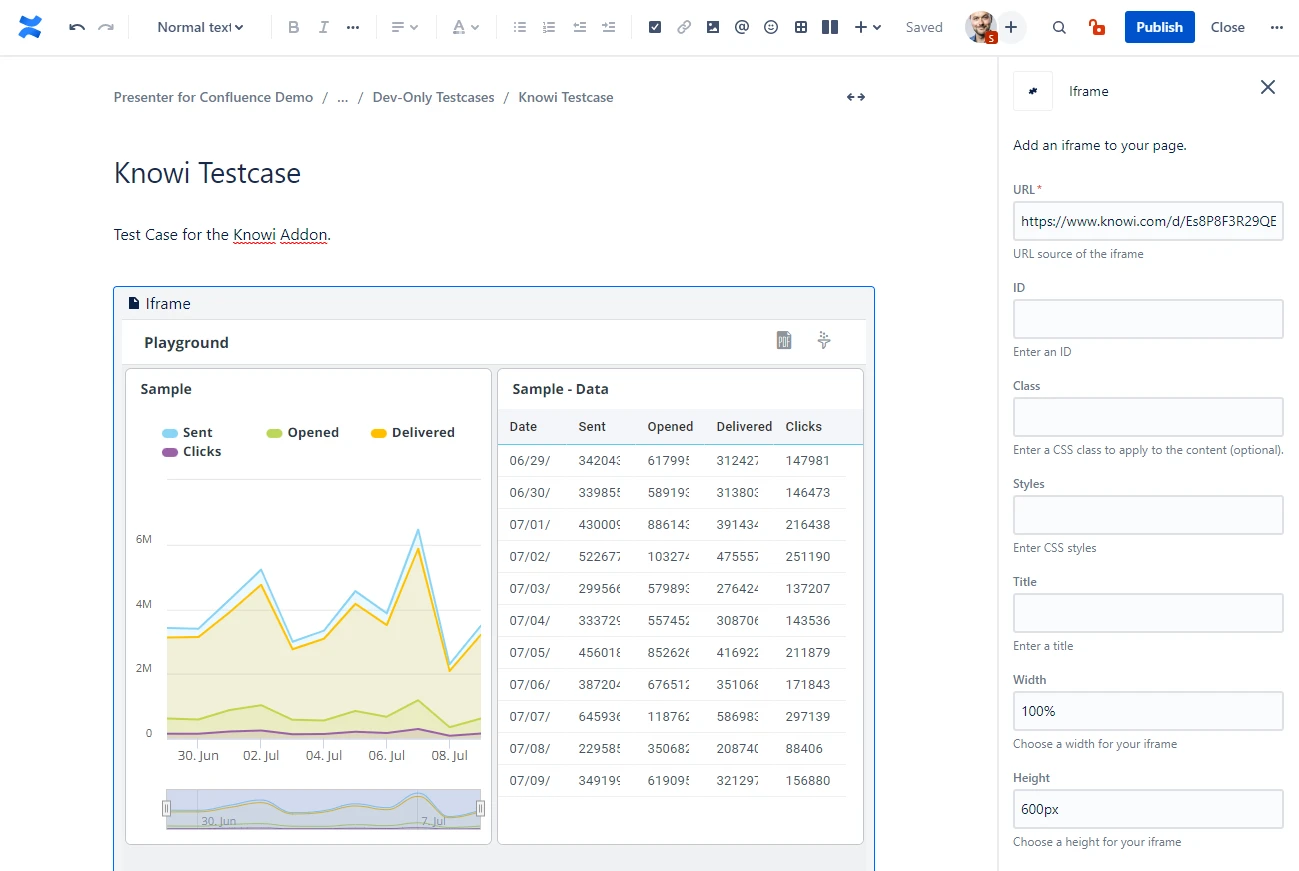
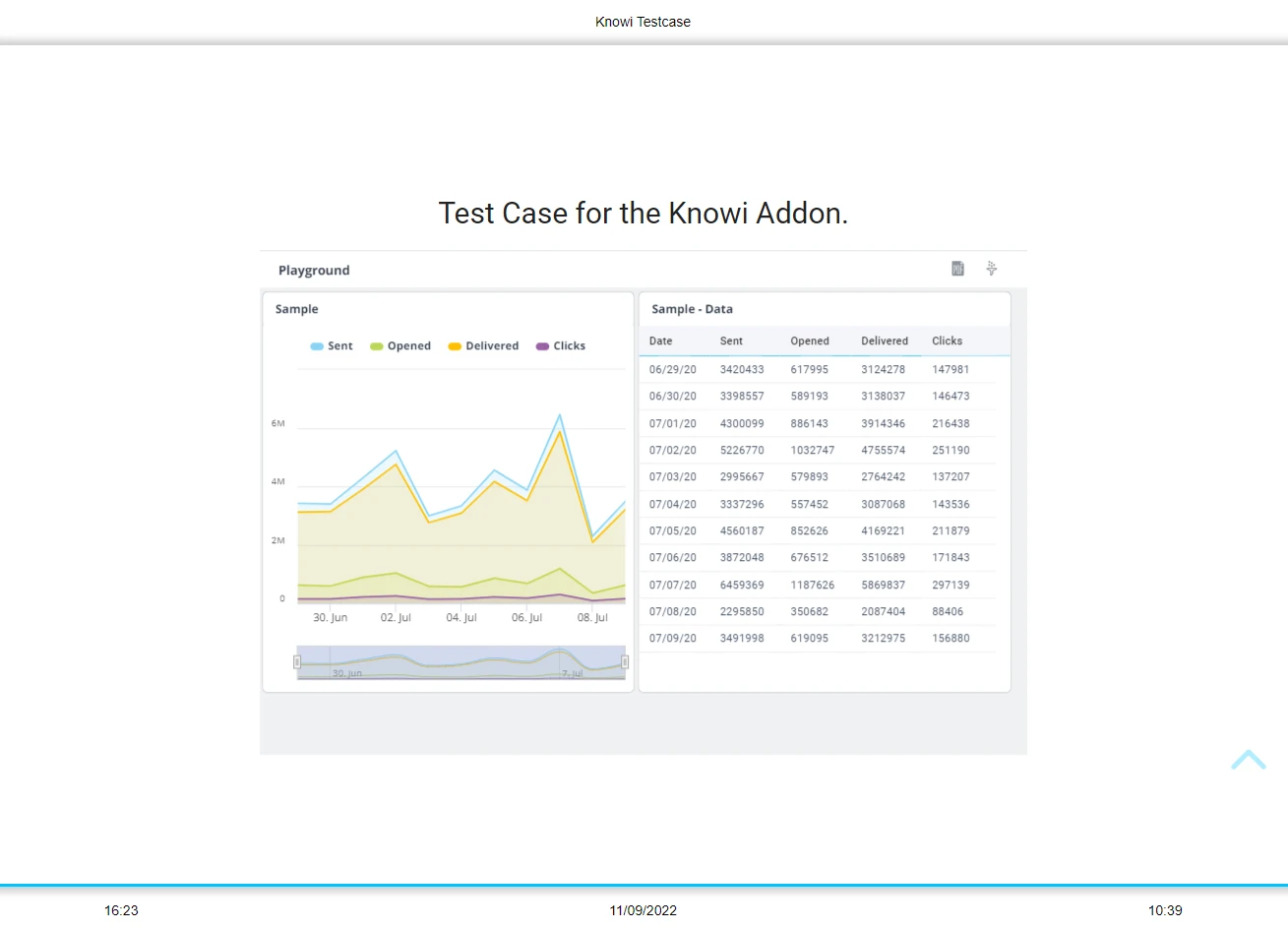
Embedding content from websites with sharing functionality
If your content comes from an external website with a sharing functionality, you can embed it in Confluence and Presenter without hassle.
For Confluence Cloud
- Go to your external application and copy the sharing URL it provides
- In your page editor: insert an “iFrame” by typing “/iframe” and paste the sharing URL. Configure other things to your liking: a width of “100%” and disabling the border is a good idea, for example.
- You’re done! The external content renders nicely in Confluence and in the presentation.
 |  |
|---|
Not compatible
| Plugin | Reason |
|---|---|
| Confluence Team Calendars | Security settings of Team Calendars do not allow 3rd party apps to display them. |
| Table Filter and Charts for Confluence | The app replaces the tables with a dynamic javascript that loads the content in the background. This javascript is not executed in the presentation view. 💡 But we are working on a workaround, you’ll be able to get the unfiltered tables in the presentation in the near future! |